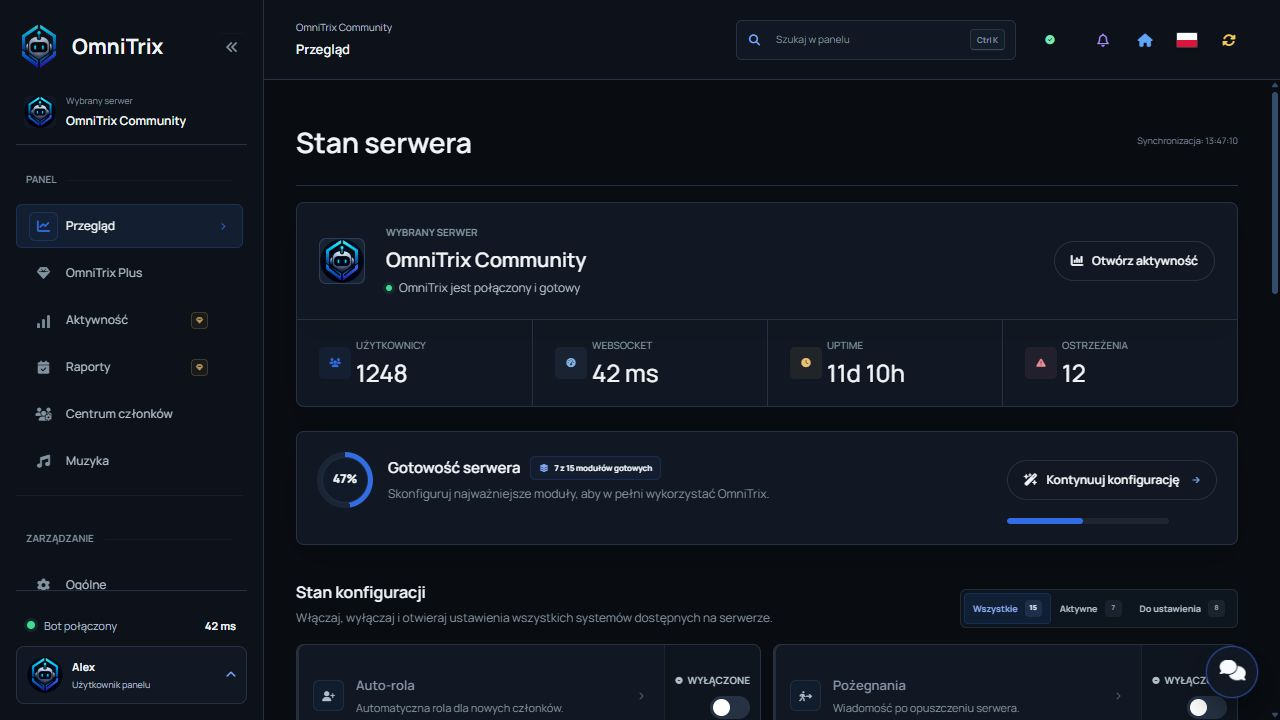
Multifunctional Discord Bot

OmniTrix for your Discord server

OmniTrix combines moderation, utilities, support tickets, music and fun commands in a polished bot built for growing communities.

59+ commands
5 command categories
24/7 support
/ban /serverinfo /weather /ticket
OmniTrix Core
OmniTrix Logo
Online and ready
OmniTrix Multifunctional Discord bot
/audit

Review recent server moderation activity.

/serverinfo

Show key server details instantly.

/play

Play music from YouTube, Spotify or SoundCloud.

Moderation
Support
Fun
Server toolkit

Everything important in one reliable bot

OmniTrix gives administrators practical controls and gives members useful, engaging commands without cluttering your server with multiple bots.

Moderation

Ban, kick, mute, clear messages, configure slowmode and check audit activity with clear slash commands.

Server configuration

Set language, welcome messages and moderation logs so the bot matches the way your community works.

Support tickets

Create private support channels with clear issue categories and Polish or English panels.

AI and utilities

Use weather, movie info, server info, avatars, rankings and other utilities without leaving your server.

Fun commands

Keep the community alive with light entertainment, quick games and random media commands.

Music playback

Play tracks from YouTube, Spotify or SoundCloud and control the queue directly on Discord.

Live preview

Choose a module and see how OmniTrix helps your server

A quick interactive look at the most important parts of the bot: moderation, utility tools, music and community features.

Moderation Control

React faster to spam, raids and unwanted behavior with focused slash commands.

/clear amount:25

25 messages removed and the action was saved to moderation logs.

Clean channels Audit logs Fast actions
Slash commands

Fast commands for everyday server work

Browse the core modules and see how OmniTrix helps administrators and members in seconds.

0 visible commands
Quick start

Launch OmniTrix in a few minutes

A simple path for server owners: add the bot, configure the essentials and start using commands right away.

01

Add the bot

Invite OmniTrix with the correct permissions and keep slash commands enabled.

02

Configure basics

Set language, welcome messages, logs and moderation behavior for your server.

03

Start managing

Use moderation, support, community and utility commands from one clean command menu.

Community

Add OmniTrix and grow with the community

Get support, share ideas, vote for the bot and help shape future updates.

Vote on Top.gg

Every vote helps more server owners discover OmniTrix and supports future improvements.

Vote Now